SRC://PHOTON ENGINE
github.com/ArnavChoudhary9/Photon · status: BETA · updated 1y ago
Python 2
[SYS_BANNER]
> LOADING_README... OK> SOURCE: ArnavChoudhary9/Photon
Photon
Photon is a game engine written in Python just for fun.
Installation
Requirements
-
Python >=3.10
The engine is based on Python 3.10.
It is preferred that you use Python 3.10 or upgrade to a version supported by PyImGUI.
Installation Methods
You can install Photon using pip or by compiling from source (GitHub) or download precompiled binaries
1. Install via pip
This is the recommended method for most users.
pip install PhotonEngine
- Dependency: Python
2. Compile from Source (GitHub)
Use this method if you want to contribute to Photon's development or explore its inner workings.
-
Requirement: Virtual Environment (venv)
Install using:
pip install venv
-
Clone the repository:
git clone --recursive https://github.com/ArnavChoudhary9/Photon -
Navigate to the project directory:
cd Photon -
Initialize the repository:
setup.bat -
Activate the virtual environment:
venv\Scripts\activate -
Run Forge Editor:
cd Forge
python Forge.py
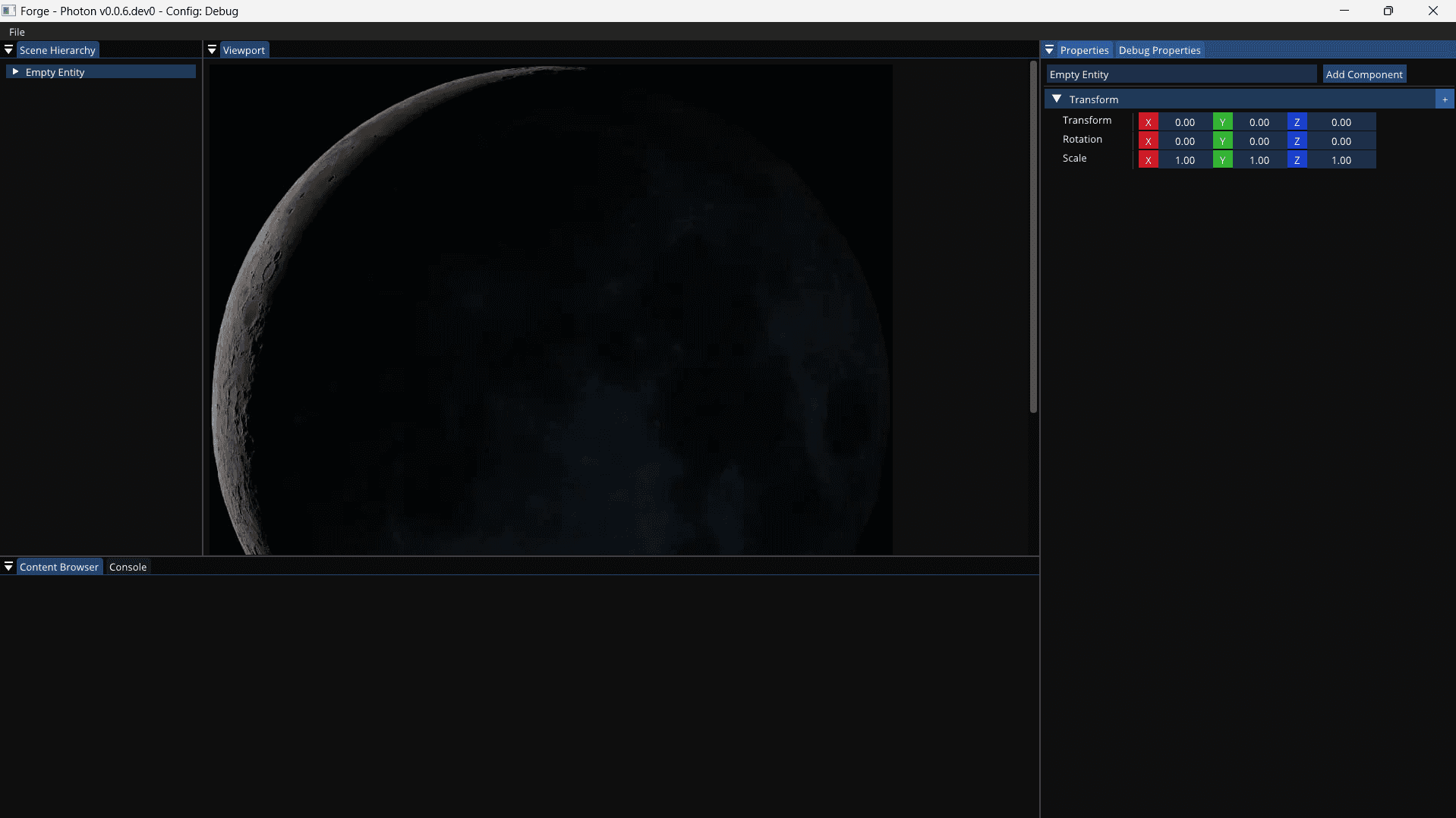
Congratulations! You have successfully run Forge Editor.
3. Running Precompiled binaries
Use this if you only want to run the editor and develope games.
Download the latest precompiled binary from GitHub.
To run the editor, navigate to the downloaded directory and run Forge.exe.
Inspiration
Photon draws a lot of inspiration from Hazel and takes a lot of learning from The Cherno.
- Find Documentation here
- Visit the DevLog site here